
MEPCO Online Bill Check 2026 – Check, Download & Print Bill
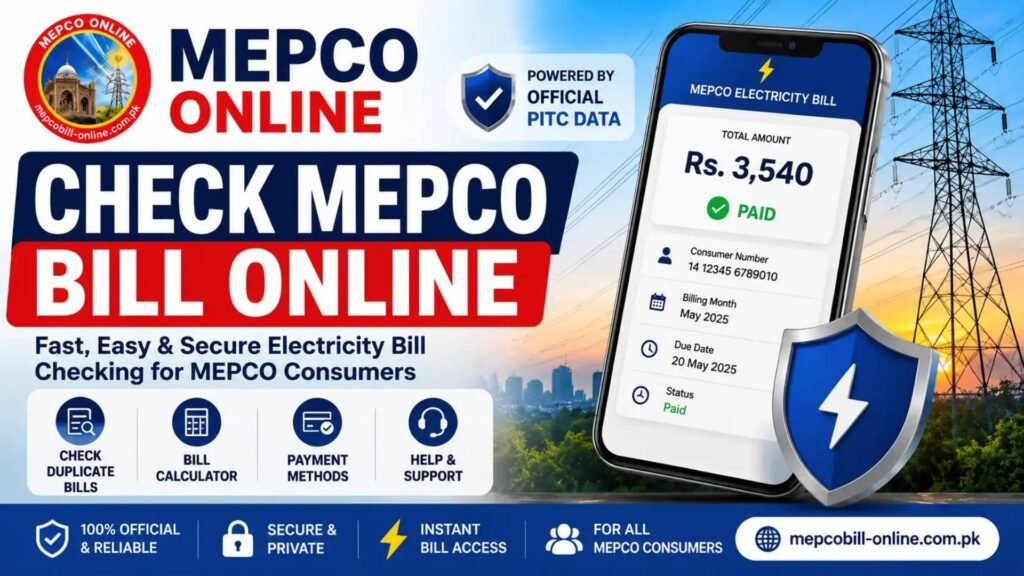
MEPCO Online Bill Check
To check your MEPCO electricity bill online:
- Keep a previous MEPCO bill nearby.
- Find the 14-digit reference number printed on the bill.
- Open the MEPCO billing service through the official PITC billing system.
- Enter the reference number.
- Submit the search.
- Review the available bill information.
- Save or print the duplicate bill if required.
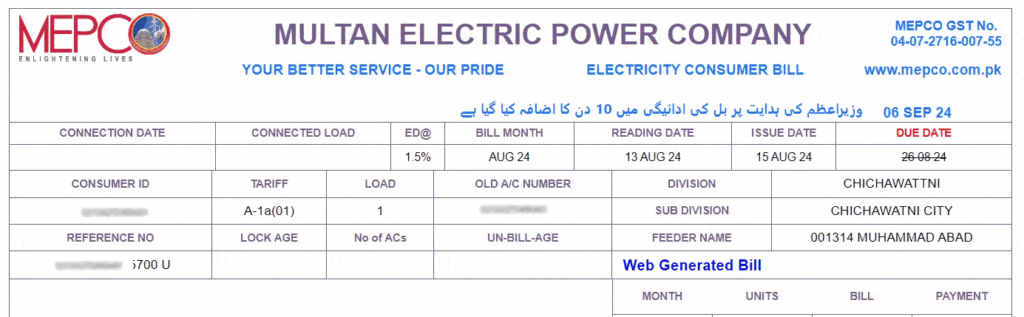
The PITC system provides an online View Electricity Bill service, and MEPCO bills are served through the PITC billing infrastructure.

Official billing service: PITC Online Electricity Bill Service
Understanding Your MEPCO Bill
What Number Do You Need to Check a MEPCO Bill?
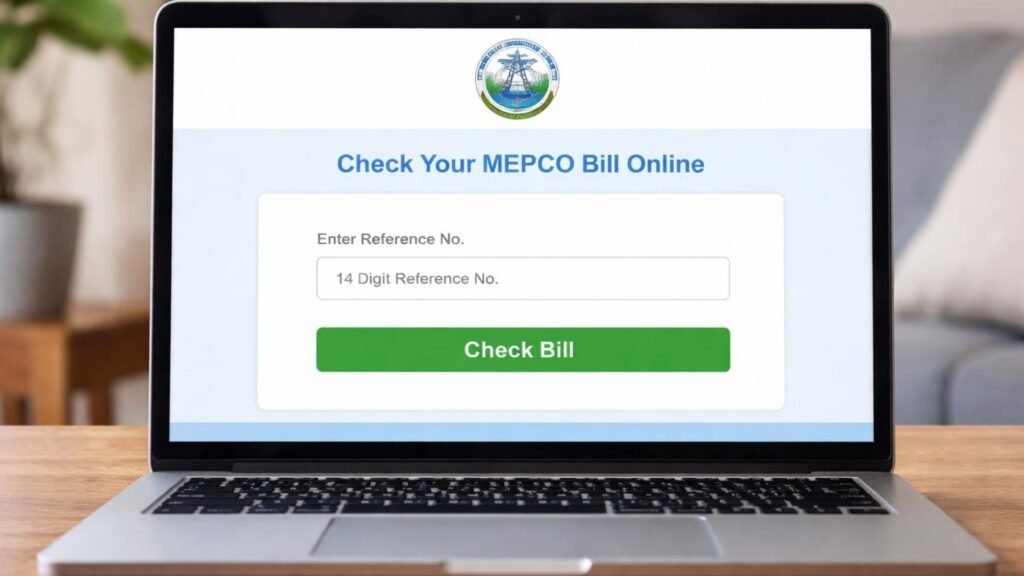
The most important number for a MEPCO online bill check is your 14-digit reference number.
You can find it on an older electricity bill. It is normally displayed in the bill’s reference-number section.
Keep the number exactly as shown. If the billing portal does not recognize the number, check for missing or incorrectly entered digits before trying again.
Reference Number vs Customer ID
These numbers should not be treated as interchangeable without checking what the current billing interface accepts.
| Identifier | Purpose |
| Reference Number | Main identifier used to retrieve a MEPCO bill |
| Customer ID | Another consumer identifier that may appear on the bill or be supported by particular billing interfaces |
| Meter Number | Identifies the electricity meter and is different from the bill reference number |
For the most reliable lookup, use the reference number printed on your previous MEPCO bill.
How to Find Your MEPCO Reference Number
If you have received a MEPCO bill before, look near the upper portion of the bill for the Reference No.
A reference number can also be found on previous bill records or documents associated with the electricity connection.
If you cannot locate your reference number, do not guess it. Contact MEPCO customer services or visit the relevant customer facilitation center.
MEPCO’s official customer-service information lists 0800-63726 as a customer-service contact.
What Information Appears on a MEPCO Bill?
After a successful MEPCO online bill check, the available bill can contain several pieces of information that help you understand what you owe.
Common bill information includes:
- Consumer name
- Reference number
- Billing month
- Issue or reading information
- Due date
- Current payable amount
- Previous arrears
- Units consumed
- Meter-related information
- Tariff or consumer category
- Taxes and other applicable charges
- Payment or consumption history
The exact information displayed can vary according to the connection and billing record.
MEPCO states that electricity bills can also provide consumption and payment history for customers.
How to Download a Duplicate MEPCO Bill
A duplicate bill is useful when the original paper bill is lost, damaged, or not delivered.
After your bill appears online:
- Check the billing month.
- Confirm the reference number.
- Check the due date and payable amount.
- Use your browser’s print option.
- Select Save as PDF if you want a digital copy.
- Print the document when a physical copy is required.
MEPCO officially lists the issuance of duplicate energy bills among its customer-service facilities.
Can You Check an Old MEPCO Bill Online?
The online bill service is primarily useful for retrieving the available billing record associated with your connection.
If you need a specific older bill, the result depends on what records are available through the billing system. Do not assume that every historical bill will always be available for online retrieval.
MEPCO also provides customer-service facilities for consumers who need assistance with billing matters.
What If Your MEPCO Bill Is Not Showing?
Sometimes a bill lookup may fail even when the reference number is correct.
Try these steps:
1. Check the Reference Number
Re-enter all digits carefully. A single incorrect digit can prevent the system from finding the account.
2. Try Again Later
Temporary billing-system or connectivity problems can affect online results.
3. Check Your Previous Bill
Make sure you are using a MEPCO reference number rather than a meter number or another identifier.
4. Contact MEPCO
If the problem continues, contact MEPCO customer services or the relevant customer facilitation center.
MEPCO maintains customer-service centers and provides facilities including duplicate bills, bill correction and complaint registration.
MEPCO Bill Not Received? Here’s What to Do
You do not necessarily have to wait for a paper bill to check your payable amount.
If you already have your reference number, use the online billing service to retrieve the available bill.
If bills repeatedly fail to arrive, MEPCO’s FAQ advises customers to contact the relevant subdivision office, while its customer-service system also provides assistance for billing-related issues.
How to Check Your MEPCO Bill Without a Paper Copy
If you already know the reference number from an earlier bill or record, you can attempt the online lookup without having the latest paper bill in hand.
The key requirement is having the correct identifier for the electricity connection.
If you have never received a bill and do not know the reference number, use MEPCO’s official customer-service channels rather than entering random information.
How to Pay Your MEPCO Bill After Checking It
Checking a bill and paying a bill are two different steps.
After confirming your bill amount and due date, use a payment method supported by your bank, wallet, or MEPCO’s authorized payment channels.
Depending on the service available to you, payment may be possible through:
- Bank applications
- Internet banking
- ATMs
- Mobile wallets
- Bank branches
- Other authorized payment channels
Always verify the payment amount and reference number before confirming a transaction.
MEPCO confirms that online payment facilities are available to customers.
How to Check the MEPCO Bill Due Date
The due date is displayed on the electricity bill.
When you perform a MEPCO online bill check, check the due date before making payment because the amount payable can depend on whether the bill is paid within or after the due date.
Do not rely on an old bill’s due date for the current billing cycle. Always check the latest available bill.
Why Is My MEPCO Bill Higher This Month?
A higher bill does not automatically mean there is an error.
Your payable amount can be affected by factors such as:
- Higher electricity consumption
- Applicable tariff rates
- Taxes
- Government-approved charges
- Fuel-related adjustments
- Arrears from previous billing periods
- Other applicable billing adjustments
The correct way to investigate a suspected billing problem is to compare the current bill with previous consumption and payment information and contact MEPCO if something appears incorrect.
MEPCO states that its billing system provides customers with consumption and payment information and that billing accuracy is supported through its billing and meter-reading systems.
What If Your MEPCO Bill Has a Wrong Meter Reading?
If you believe the meter reading or bill calculation is incorrect, do not simply ignore the bill.
Keep the current bill and relevant previous bills and contact MEPCO’s customer-service center or the appropriate subdivision.
MEPCO’s official FAQ specifically directs customers with incorrect meter readings to customer-service centers.
For more serious billing disputes, use the official MEPCO complaint and customer-service channels.
MEPCO Bill Correction
A bill correction is different from simply downloading a duplicate bill.
A duplicate bill gives you another copy of the available billing record.
A correction request is appropriate when you believe information such as the meter reading or billing calculation is incorrect.
MEPCO reports that bill-correction facilities are available through its customer facilitation centers, subject to the applicable procedure.
What Is MEPCO?
MEPCO, or Multan Electric Power Company, is an electricity distribution company serving Southern Punjab.
MEPCO’s official information says its service territory covers 13 administrative districts, including Multan, Muzaffargarh, Layyah, Dera Ghazi Khan, Rajanpur, Lodhran, Bahawalpur, Rahim Yar Khan, Khanewal, Sahiwal, Pakpattan, Vehari and Bahawalnagar.
Its annual report describes MEPCO as a major distribution company serving millions of consumers across Southern Punjab.
MEPCO vs PITC: What Is the Difference?
This distinction is important when checking an online bill.
MEPCO is the electricity distribution company responsible for its service territory and customer services.
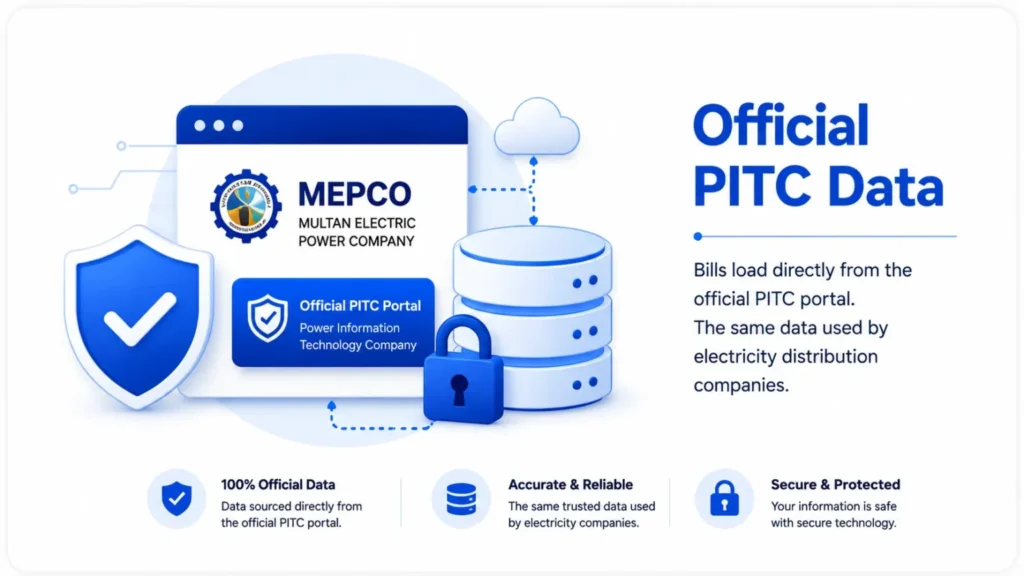
PITC, or Power Information Technology Company, provides technology and online systems used by electricity distribution companies. PITC lists View Electricity Bill among its online services and documents MEPCO’s use of its integrated billing system.
Therefore, seeing a PITC billing address during an online MEPCO bill lookup does not mean you are checking the wrong electricity company.
Official MEPCO Website and Bill Service
For company information, customer services, complaints and official notices, use the official MEPCO website.
For online bill viewing, the relevant PITC MEPCO billing service is PITC’s MEPCO bill portal.
Third-party MEPCO bill websites should clearly explain that they are independent services and should not present themselves as MEPCO or a government website.
MEPCO Online Bill Check: Common Problems
How to Check Your MEPCO Bill Online
MEPCO – Online
Free, Fast and Secure
Specially built for MEPCO electricity consumers. No logins, no fees, no delays
| Problem | What to do |
| Reference number rejected | Recheck every digit |
| Bill not loading | Try again later and check the official billing portal |
| Wrong bill appears | Confirm the reference number |
| Paper bill not received | Check online using your previous reference number |
| Bill amount seems incorrect | Compare consumption and previous bills |
| Meter reading appears wrong | Contact MEPCO customer services |
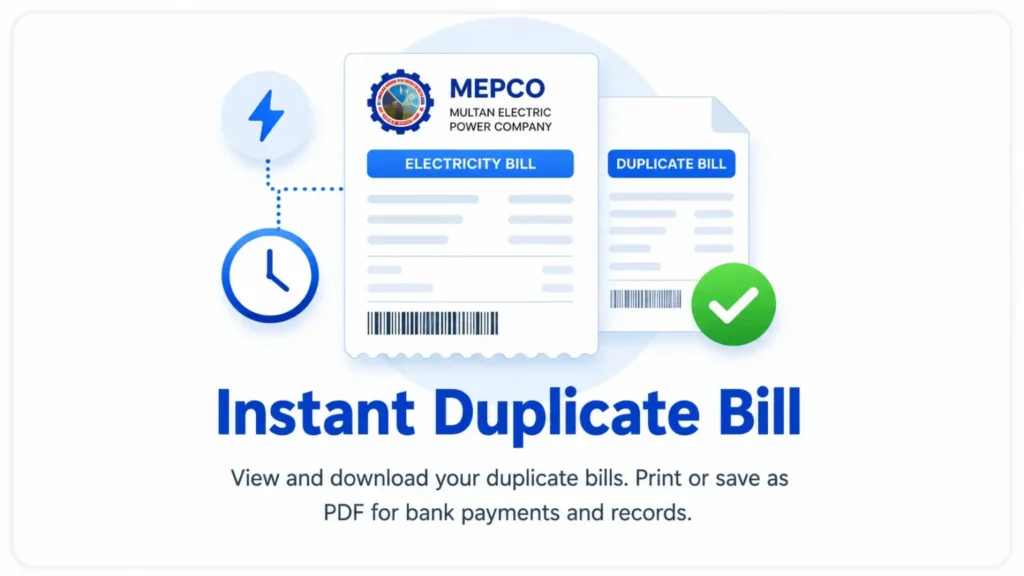
| Need duplicate bill | Retrieve the available online bill and save/print it |
| Need official assistance | Contact MEPCO through its official channels |
Steps to Access MEPCO Online Services
To check your MEPCO bill online, the initial step involves accessing the official MEPCO website or using their dedicated mobile applications available on platforms like Google Play. These online services are designed to provide a seamless experience for consumers to easily check their bill, offering convenience and efficiency in managing their electricity expenses for 2026.
Using the MEPCO Bill Checker
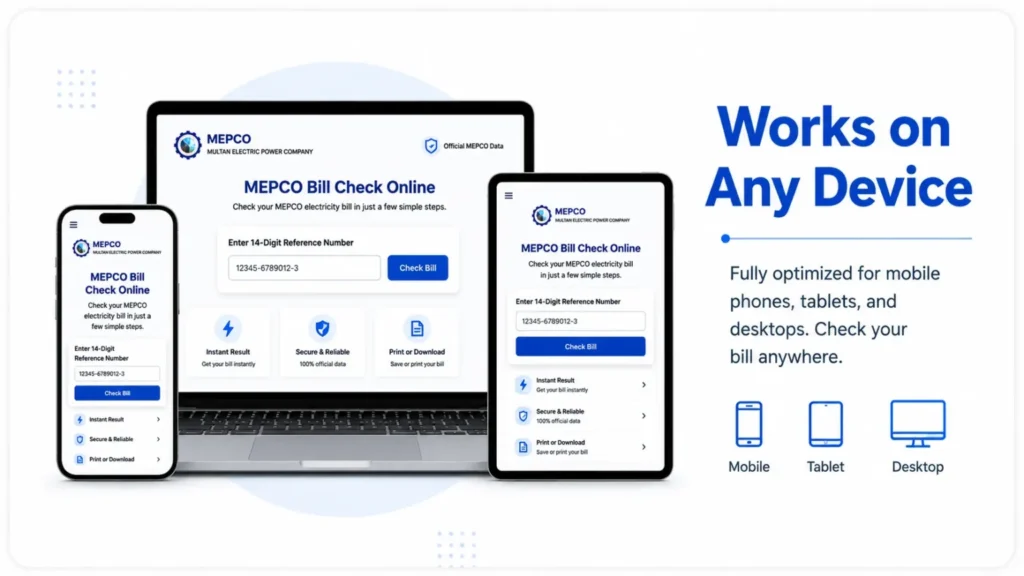
The MEPCO bill checker is an intuitive tool found on the official MEPCO website that allows you to instantly retrieve your electricity bill. By simply entering your 14-digit reference number, this online bill checker provides you with immediate access to your current bill details, making it incredibly easy to perform a bill check without needing a physical copy. This feature is a cornerstone of MEPCO online services.
Understanding Reference Numbers
The reference number is paramount for any MEPCO bill online query. This unique 14-digit reference number or 10-digit consumer ID is printed on every MEPCO bill and acts as your account identifier. To check your MEPCO bill online, you must enter your reference number correctly into the MEPCO bill checker, which then retrieves all your specific bill information, including the due date and bill amount, in seconds.
Frequently Asked Questions
How do I check my MEPCO bill online?
What is the MEPCO reference number?
Is MEPCO online bill check free?
Can I download my MEPCO bill?
Can I check my MEPCO bill without the latest paper bill?
Why is my MEPCO bill not showing?
Can I check my MEPCO bill on a mobile phone?
How can I complain about a wrong MEPCO bill?
Does MEPCO provide duplicate bills?
A MEPCO online bill check is the quickest way to access your available electricity bill without waiting for a paper copy. Keep your previous reference number, open the appropriate online billing service, verify the bill details and save a duplicate copy when needed.
For billing errors, complaints, new connections or other official matters, use MEPCO’s official customer-service channels rather than relying exclusively on an independent bill-checking website.
The most important rule is simple: use your correct reference number, verify the latest bill details, and use official MEPCO/PITC channels whenever an account or billing issue requires formal assistance.